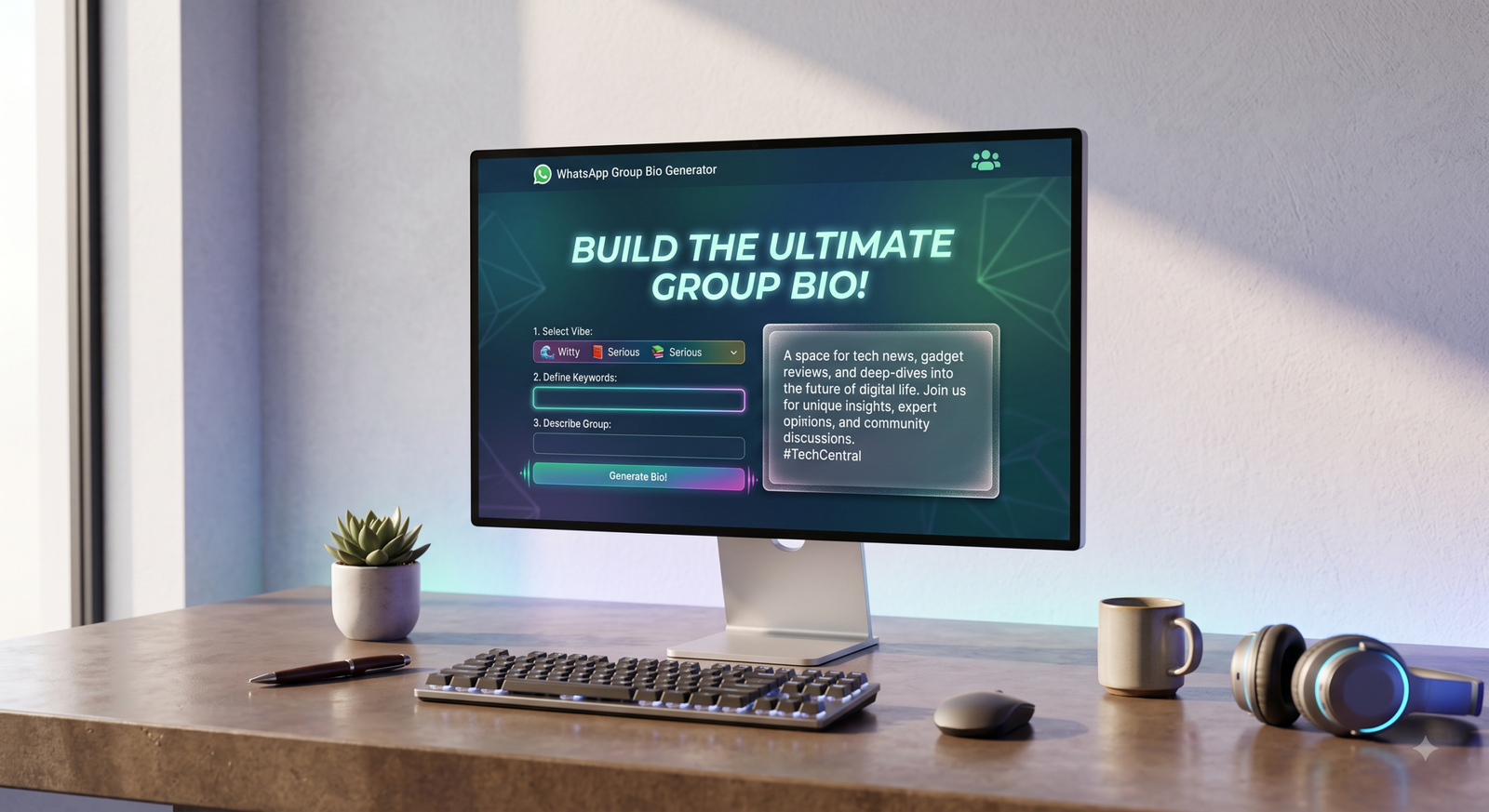
👥 WhatsApp Group Bio Generator
Create the perfect WhatsApp Group Bio with AI — free & instant!
A Good WhatsApp Group Description Sets the Tone for Everything
WhatsApp Groups are everywhere. Families use them to stay connected. Businesses use them to coordinate teams. Students use them to collaborate on projects. Communities use them to organize events and share information. And yet, most WhatsApp Groups have either no description at all or one that was typed in a hurry and never updated.
Your WhatsApp Group description is the first thing new members read when they join. It tells them what the group is about, what kind of content gets shared, and how they are expected to behave. A clear and well-written description sets expectations, builds community, and reduces confusion from day one.
Writing that description well is not always easy, especially when you want it to sound professional, welcoming, and specific all at once. That is where a WhatsApp Group Bio Generator makes everything simple. This free AI-powered tool helps you create the perfect group description in seconds.
What Is a WhatsApp Group Bio Generator and How Does It Work?
A WhatsApp Group Bio Generator is a free online tool that uses AI to create a customized WhatsApp Group description based on the details you provide. WhatsApp allows up to 1,024 characters in the group description field, giving you enough space to properly introduce the group, its purpose, and its rules.
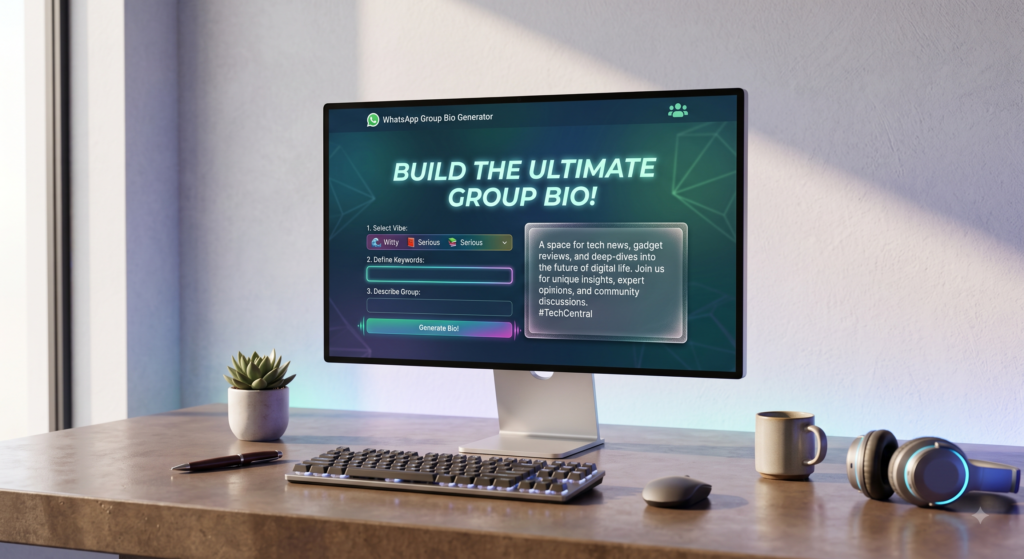
The tool takes the information you enter and produces a natural, well-structured, and relevant group description that fits your specific group type and audience.
Here is how it works:
- You open the WhatsApp Group Bio Generator on the website.
- You enter the group name and describe what the group is about.
- You add details about the group members, the purpose of the group, and any key rules or expectations.
- You choose a writing style such as professional, friendly, strict, casual, or community-focused.
- The AI instantly generates multiple group description options for you.
- You pick the best one, copy it, and paste it into your WhatsApp Group description settings.
The entire process takes less than two minutes with no writing experience needed.
Key Features of the WhatsApp Group Bio Generator
1,024-Character Optimized WhatsApp allows up to 1,024 characters for group descriptions. The tool generates descriptions that use this space effectively, providing enough detail to be useful without being overwhelming to read.
Wide Range of Writing Styles Whether your group is a professional work team, a family chat, a study group, a business community, or a religious circle, the tool has a tone that matches. Choose from professional, warm, motivational, strict, casual, and more.
AI-Generated Original Content Every description is created fresh based on your input. The tool does not reuse old templates or produce generic filler. Each result is tailored specifically to your group.
Multiple Variations at Once You receive several description options with a single click, making it easy to compare and choose the one that fits your group best.
Supports Multiple Languages The tool works in English, Urdu, Hindi, and Roman Urdu, which makes it accessible to group admins across a wide range of regions and communities.
Free with No Login Required No account, no subscription, and no payment needed. Open the tool and start generating your group description immediately.
Fully Mobile Friendly Since WhatsApp is used primarily on mobile devices, the tool is designed to work perfectly on smartphones and tablets.
Step-by-Step Guide: How to Use the WhatsApp Group Bio Generator
Follow these steps to create a professional group description in minutes.
- Step 1: Visit the WhatsApp Group Bio Generator page on the website.
- Step 2: Enter your group name and the main topic or purpose of the group.
- Step 3: Describe who the members are, such as students, colleagues, family, customers, or community members.
- Step 4: Add any important group rules or guidelines you want included in the description.
- Step 5: Choose the writing style or tone that suits your group’s personality.
- Step 6: Click Generate and review the description options the AI produces.
- Step 7: Select the description that works best, copy it, and paste it into your WhatsApp Group description settings.
Your group now has a clear, professional, and welcoming description that every new member will appreciate.
Benefits of Using a WhatsApp Group Bio Generator
- Saves time: Writing a group description that covers purpose, tone, and rules takes thought and effort. The tool delivers polished results instantly.
- Sets clear expectations: A good description tells members what the group is for and what is expected of them from day one.
- Reduces confusion: When members understand the group’s purpose immediately, there are fewer off-topic messages and misunderstandings.
- Looks professional: Whether the group is for business or community use, a well-written description builds credibility and trust.
- Works for any group type: Family, work, education, religious, business, hobby, or community groups all get relevant, tailored descriptions.
- Multiple options to choose from: You are never limited to a single result. Compare variations and pick the perfect fit.
- Easy to update: Come back and generate a new description anytime your group evolves or its focus changes.
Helpful Tips for Writing the Best WhatsApp Group Description
Start with the group’s purpose. The very first line should make it absolutely clear what the group is about. New members should understand immediately whether they are in the right place.
Include basic rules. Even a single sentence about what is and is not allowed in the group saves a lot of headaches later. Simple rules like “no spam” or “keep discussions respectful” go a long way.
Mention who the group is for. If your group is specifically for teachers, parents, team members, or customers, say so clearly. This helps new members feel they belong and helps admins manage membership expectations.
Keep the tone consistent with the group culture. A formal work group needs a professional description. A family group can afford to be warm and casual. Match the tone to the people in the group.
Add an admin contact if relevant. For larger or more formal groups, including a note about who to contact for questions or issues adds a layer of professionalism and accountability.
Update the description when things change. If the group’s focus shifts, new rules are added, or the membership evolves, use the WhatsApp Group Bio Generator again to keep the description accurate and relevant.
Who Should Use the WhatsApp Group Bio Generator?
This tool is useful for anyone who manages or creates WhatsApp Groups.
- Business owners and managers who run team communication groups and want a professional, clear description that sets the right tone for employees.
- Teachers and educators who manage student groups and need a description that outlines the group’s academic purpose and expected behavior.
- Community leaders and organizers who run large groups and need a description that clearly explains the community’s mission and values.
- Family group admins who want a warm, welcoming description that reflects the spirit of the family.
- Event organizers who create temporary groups for specific events and need a description that tells members exactly what the group is for.
- Religious and social groups that want a description reflecting their shared beliefs, values, or activities.
- Anyone creating a new WhatsApp Group who wants to start with a proper description instead of leaving it blank.
Conclusion
A well-written WhatsApp Group description is not just a nice detail. It is a fundamental part of how a group functions. It tells members who they are, why they are there, and how they should engage. Groups with clear descriptions run better, feel more organized, and create stronger communities.
The WhatsApp Group Bio Generator makes it effortless to create that description without spending time or effort on writing. In seconds, you get a professional, purpose-driven, and audience-appropriate group description that is ready to use immediately.
Stop leaving your WhatsApp Group description blank or settling for something you typed in a rush. Try the WhatsApp Group Bio Generator for free today and give your group the introduction it deserves.